
AI for your photo booth
Photo booth.A newdimension.
AI photos from your Windows PC and Canon camera. No subscription, and you pick the AI model yourself.
- Windows + Canon
- No subscription
- Your language






No subscription You pay for photos, not for a month.
Style illustrations
The result
One shot. A different world.
Your guest steps in front of the lens once. The rest is done by the AI model you chose, in the style you prepared. Classic photos stay in the same app — you pick the way of working that fits the event.
-
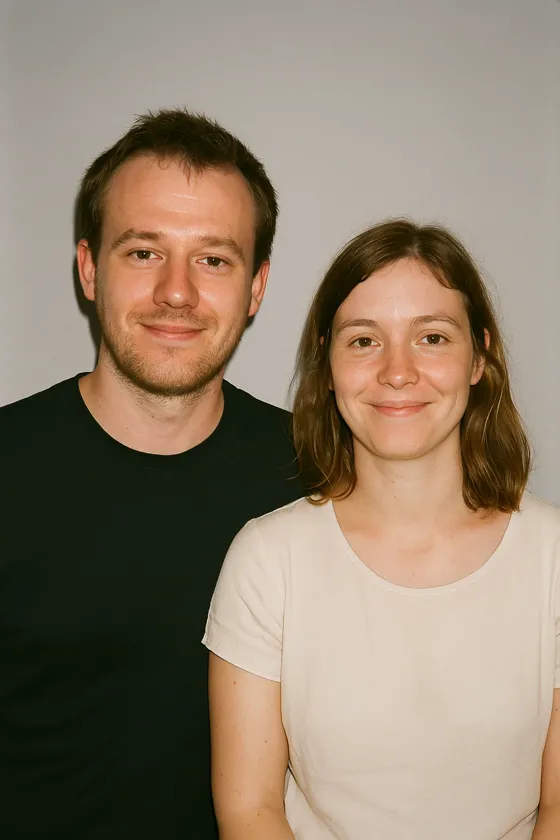
Photo
Flat light, everyday clothes, plain backdrop.
-
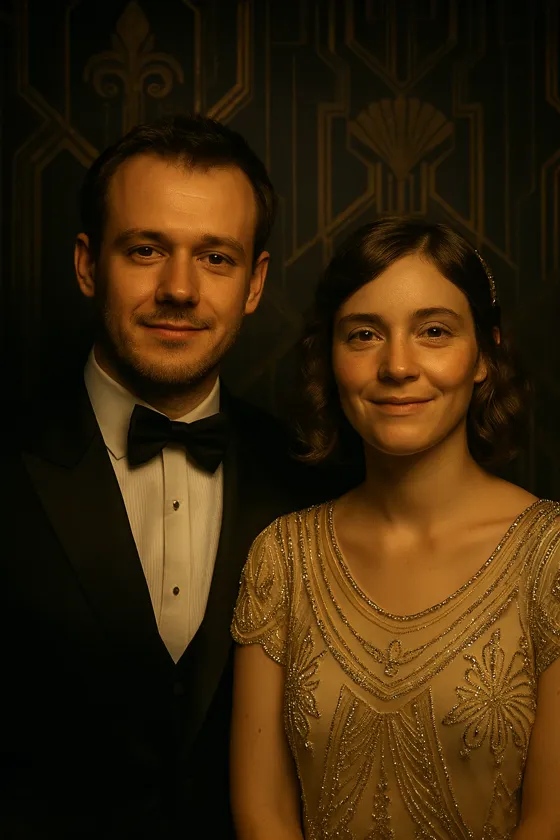
1920s gala
Dinner jacket, beaded gown, a gilded ballroom.
-
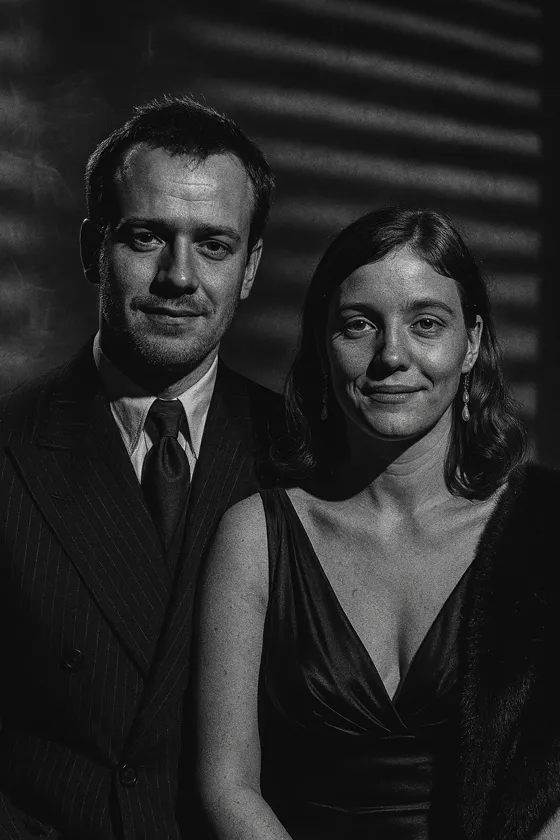
Film noir
Black and white, hard light, blind shadows.


The frames shown here illustrate what AI models can do and were prepared outside the app. They are not results produced by Boothivo.
Advantages
Why Boothivo, and not another photo booth app.
Six differences an operator notices at the first wedding. Under each one we wrote how it usually works elsewhere.
-
No subscription
You pay for the photos that were actually made. In months without events you pay nothing.
Usually: a subscription or licence plus the vendor's credits
-
Event design from an invitation
Upload the invitation and get finished booth screens and print templates.
Usually: ready-made templates and manual editing for every event
-
Guests design their own transformation
A few taps on tiles and the AI knows what to do. Nothing to type in.
Usually: a list of ready-made styles to choose from
-
Your AI model
Your own account, the newest models as soon as they launch, a backup model for busy nights.
Usually: the model chosen by the app vendor
-
Your language
A Polish panel and consent screen, thirteen collections for real occasions, and other languages too.
Usually: an English-only interface
-
Pickup kiosk included
A second screen handles pickup while the queue at the booth keeps moving.
Usually: a separate app or an extra fee
Event design
Upload the invitation. Design the whole event without starting from scratch.
Describe the event or upload a poster or invitation. The wizard takes it from there — four steps to finished booth screens and print templates.
-
Step 1
Describe or upload
A few sentences about the event, a poster, or the couple's invitation. Any one of the three is enough.
-
Step 2
Confirm the facts
The wizard reads the names and the date and asks you to confirm them. It never fills anything in on its own — if something is not on the invitation, it asks.
-
Step 3
Pick a direction
Three visual proposals side by side. You choose the one that fits the client.
-
Step 4
Apply
Backgrounds and wording go onto the booth screens and into the print templates. You see a „Current / Proposed” comparison, apply it in one click, and can undo it.




You see the cost before you run it
Every step shows its cost before you start it. Preparing the event design does not incur the Boothivo fee — you only pay for guest photos.
Event design prepares how the event looks: backgrounds, wording, screens and prints. It does not create the AI transformation styles for guests — you choose and test those separately.
For your guests
Guests design their own transformation.
A few taps on large tiles: who they want to be, in what world, in what mood. Boothivo turns the answers into an instruction for the AI.
- Guests only pick what you prepared, so nothing inappropriate can be typed in.
- The AI starts only after the photo is accepted, so you never pay for a bad shot.
- A „guest's view” preview walks you through the whole survey on your screen, before the event.
Ready-made sets to start with
- Metamorphosis The classic transformation: character, world, mood.
- Sports transformation Discipline, team, moment of the match.
- Journey to another world Era, place, time of day.
Who do you want to be?
Your face in any scene
Face swap in Boothivo is done by generative AI: the guest stays themselves, and you describe the scene, the outfit and the mood in words. A film poster, a 1920s gala, a magazine cover — no hunting for ready-made frames.

The flow
You set the direction. Your guests do the rest.
-
Before the event
Prepare the design
- Event design from an invitation
- Transformation styles and surveys
- Test a style on your own kit
-
At the event
Serve your guests
- Guests choose on tiles
- A photo from your Canon
- Acceptance before the AI runs
-
After the shot
Hand over the result
- A print on your printer
- QR code, email or text message
- Pickup at the extra kiosk
At the venue
The queue keeps moving. The pickup kiosk is included.
You decide how long a guest waits at the booth. After that they get a code and collect the photo at the extra kiosk — a second monitor, another computer or a tablet — while the next person is already posing. No separate app and no extra fee.
When it gets busy, Boothivo switches the style to the backup model, and as a last resort falls back to classic photos. A guest never leaves empty-handed.
Guest A
- Photo
- Short wait
- Gets a code
- Pickup at kiosk
Guest B
- Waiting
- Photo
- Short wait
- Gets a code
Photo booth Pickup kiosk
Internet down? The party goes on.
Works without a connection
- Classic photos
- Printing on the spot
- Gallery at the booth
- Consent screen
Waits in the queue
- AI photos
- Emails to guests
- Text messages to guests
- Online event gallery
The queue restarts on its own when the connection returns. If the AI does not make it in time, the guest gets their classic photo instead of an empty screen.
A kiosk a guest cannot walk out of
- Full screen, with the operator panel behind a PIN.
- Returns to the start screen after inactivity, with an „Are you still there?” prompt.
- An AI budget per event: a soft and a hard limit, plus a maximum cost per photo.
Readiness check
Before the event, one screen shows the state of everything that has to work.
- Camera
- Printer
- AI model
- Disk space
Handing over the photo
A print in hand, a photo on the phone.
You print on your own printer, in the number of copies you choose. Reprinting does not waste paper on a double click, and you can print an older photo from any event's gallery.
Print formats
- 4×6
- 2×6 strips
- 6×8
- Custom size
How guests take the photo home
- QR code They scan it and the photo is on their phone.
- Email Sent from your mailbox, not a stranger's.
- Text message For guests who would rather not give an address.
- Online gallery The whole event under one QR code.
Ready to go
Thirteen collections. Seventy-eight layouts.
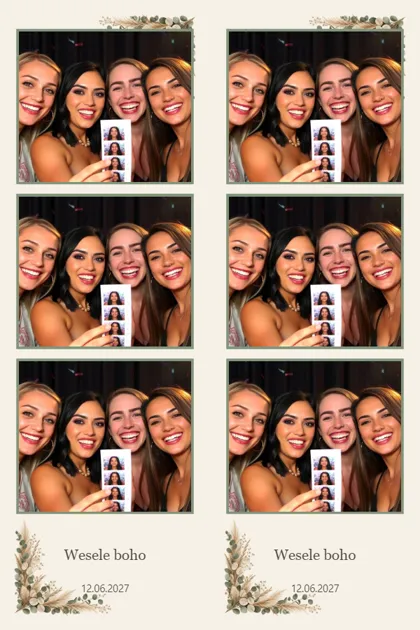
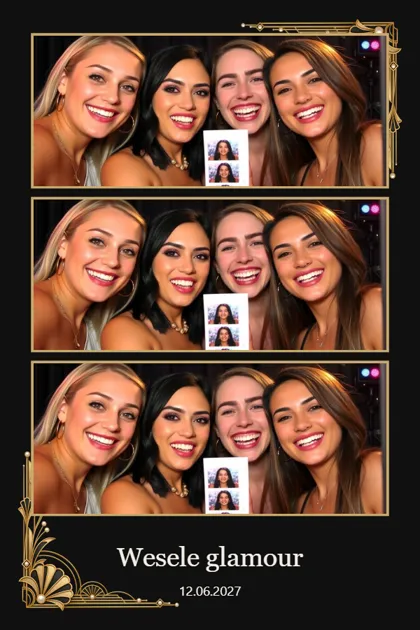
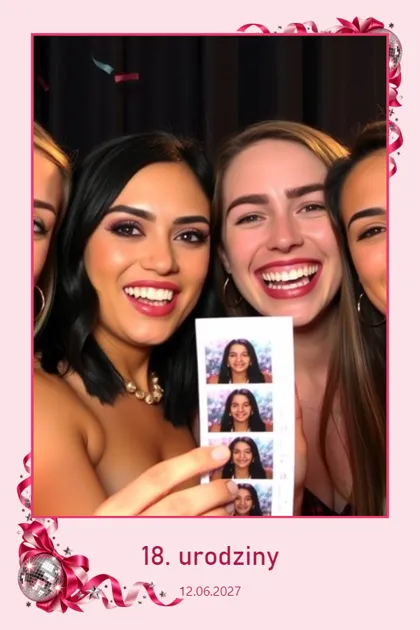
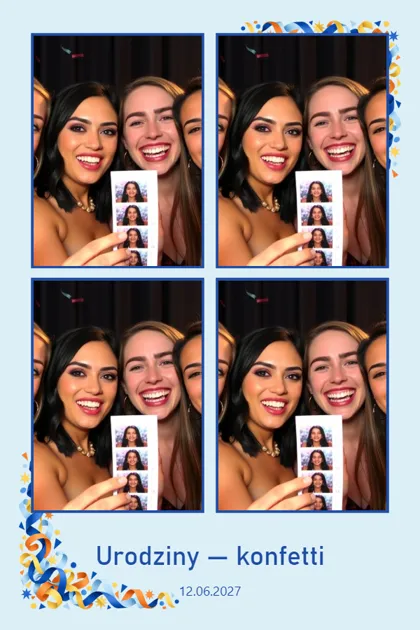
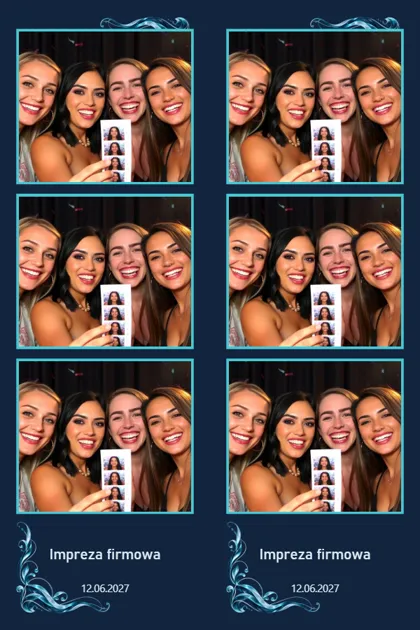
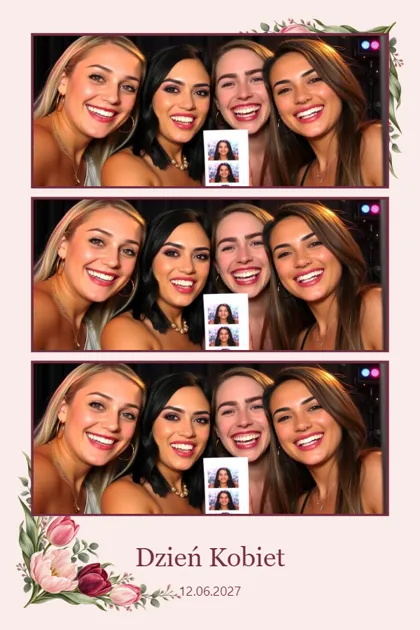
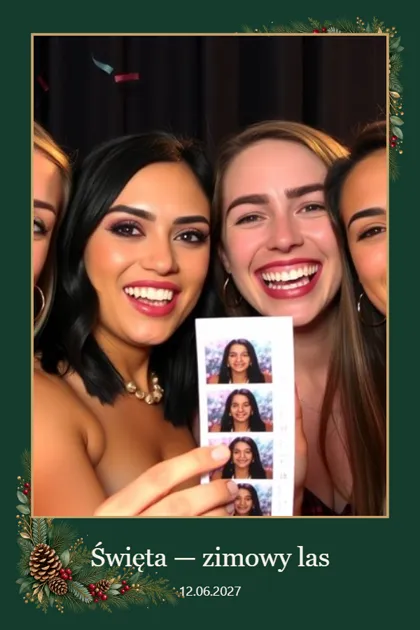
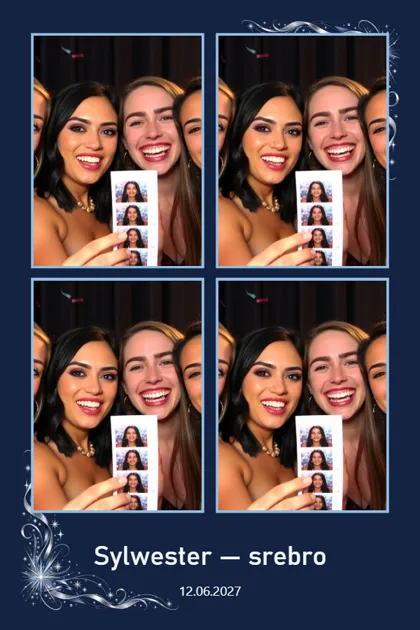
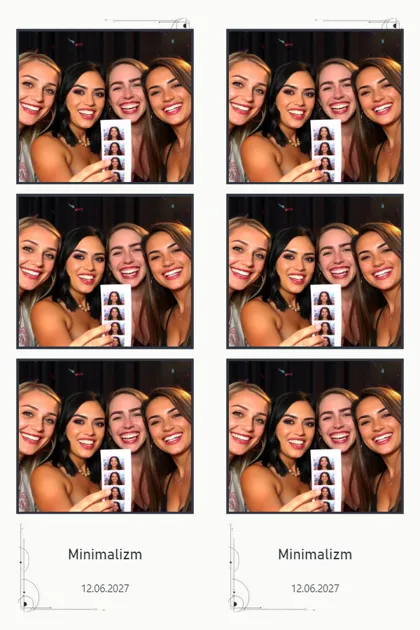
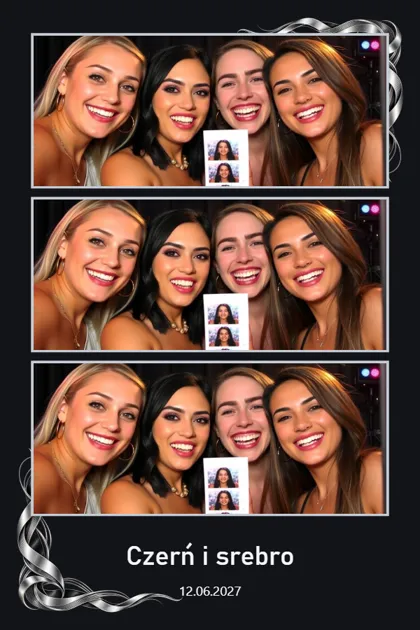
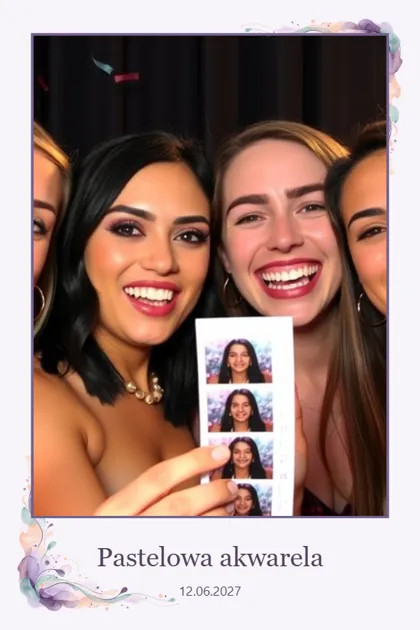
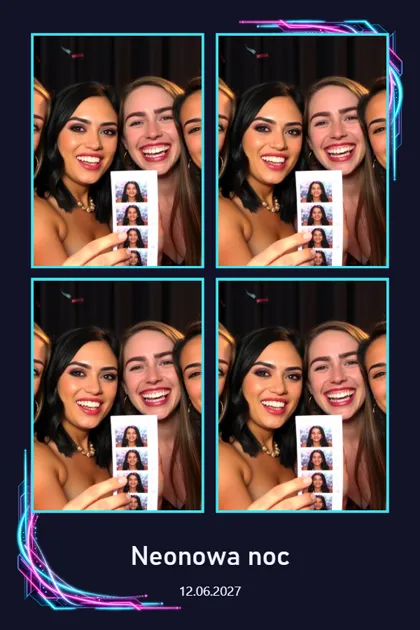
Ready-made designs for real occasions. Every collection has six print layouts and a matching set of booth screens. You can change any piece of text in the editor, and the app works in other languages too.
8 event5 universal 6 układy w każdej
Scroll sideways or use the arrow keys
-
-
-
-
-
-
-
-
-
-
-
-
-
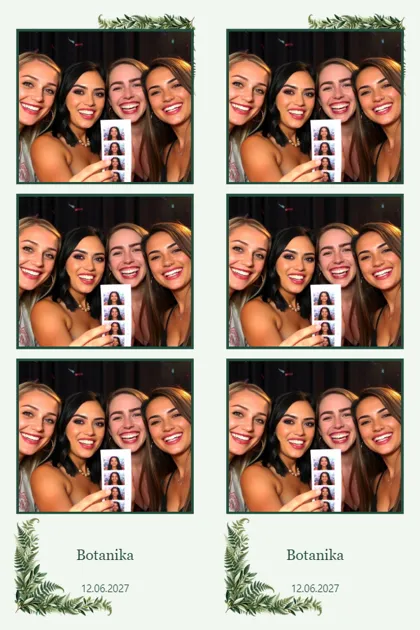


Real print previews from the app
The difference
Boothivo and a typical photo booth app.
This compares Boothivo with typical photo booth apps billed by subscription or licence, using the vendor's own AI credits.
| Question | A typical app | Boothivo |
|---|---|---|
| Fixed fee | Subscription or licence | None, you pay for results |
| AI cost | The vendor's credits | Your own AI account plus a fee per result |
| AI model | The vendor picks | You pick |
| Event design | Ready templates and manual editing | Event design from an invitation |
| Guests and AI | A list of ready styles | A step-by-step transformation survey |
| Face swap | A face in a fixed frame, or none | Generative AI, scene from a description |
| Language | Often English only | Polish and other languages |
| No internet | AI and delivery usually stop | Classic photos and printing work, AI waits in the queue |
| Pickup kiosk | A separate app or an extra fee | Included |
| Support | Email, an answer on working days | AI right away, weekends included |
As of 11 September 2026.
The money
No subscription. You pay for the photos that were actually made.
One AI photo costs the Boothivo fee plus the model cost, which you pay on your own account. Two items, both visible.
The cost of one AI photo
0,04USD Boothivo fee 0,071USD AI model coston your own account, billed separately 0,111USD Total per photo≈ 0,41 zł
Koszt AI to 5.1% najtańszego wynajmu fotobudki AI.
Renting an AI photo booth in Poland starts at around 1,200 zł, and packages with unlimited photos usually cost between 1,600 and 3,200 zł. The AI cost is a few percent of the service price.
A wedding with 150 AI photos costs roughly 42–62 zł, depending on the model you choose.
Work out your season
Set the numbers from your own calendar and see what a season costs.
AI photos per season 3000
- Boothivo — —
- Abonament roczny z kredytami — —
- Abonament AI z pakietami kredytów — —
An estimate. Prices as of 11 September 2026, at 3.7103 zł to the dollar.
Trust
Trust
Guest privacy from the first screen.
The consent screen comes before the photo. Only the finished photo goes to the cloud, reachable under a random code. Files on your computer stay under your control.
- Consent The guest reads and agrees before the photo.
- Photo Taken on your computer.
- In the cloud Only the finished photo, under a random code, for 14 days after the event ends.
- Deletion After 14 days the photo is gone from the cloud.
If you want, you can pick only AI providers that do not store the photos they receive.
Saturday, 10:40 pm, something is not working? You get an answer right away.
You ask a question in the app and get a specific answer — during the event, at the weekend, at night. When a case needs a human, the report is passed on together with a description of the problem.
The printer is not responding and I have an event in 20 minutes. What should I check?
You already own the equipment. Now give it a new role.
Boothivo runs on the kit already sitting in your garage or your van. You do not replace the camera or the printer.
- Needed Computer Windows 11
- Needed Camera Canon EOS or a USB camera
- Needed Printer A photo printer, DNP recommended
- Needed Internet For AI photos and delivery
- Optional Second screen Pickup kiosk: a monitor, a computer or a tablet
Tested kits
We publish the list of kits we have taken through a full run: from the photo to the print and the pickup. If your kit is not on it, write to us — we will check it together.
A few more specifics.
Can I still take classic photos?
Yes. Classic photos and AI photos live in one app, on one station. At an event where AI does not fit, you simply do not switch it on.
What does one AI photo really cost?
Roughly 0.28–0.41 zł including the model cost, depending on which model you pick. A wedding with 150 AI photos costs about 42–62 zł. Prices as of 11 September 2026.
What counts as a billable result?
A finished AI photo shown to the guest. You do not pay for style tests, survey previews, event design, or classic photos. If the model provider returns an error, the retry does not incur the Boothivo fee.
How long does a guest wait for the result?
It depends on the model you chose and how many guests are in the queue. You decide how long a guest stands at the booth — after that they get a code and collect the photo at the extra kiosk, while the next person is already posing.
Can a guest type their own prompt?
No. Guests only pick the styles and answers you prepared. That is why nothing inappropriate shows up at a wedding or a company party.
What happens when the internet goes down?
Classic photos, printing and the gallery at the booth keep working. AI photos, emails and text messages wait in the queue and restart on their own when the connection returns.
Do I need a second screen?
You do not have to have one. The extra pickup kiosk can sit on a second monitor, a separate computer or a tablet — but the booth works on its own too.
Is there an extra charge for the pickup kiosk?
No. The extra pickup kiosk is included, with no separate app and no subscription.
Which AI model should I choose?
The app has a recommended model to start with and a backup model for busy nights. You can test every style before the event to see both the result and the cost.
Where do guest photos go and how long are they kept?
On your computer they stay as long as you decide. Only the finished photo and the event gallery go to the cloud, available for 14 days after the event ends.
Can I use my own graphics?
Yes. You can put your own graphics into print templates and onto booth screens. On top of that you get thirteen ready collections and the event design wizard.
Does Boothivo do GIFs, video or 360?
No. We focus on classic and AI photos with a print. If you run a 360 station, keep your current software for it.
Is there a face swap?
Yes, through generative AI. The guest stays themselves, and you describe the scene, the outfit and the mood in words — you do not pick from fixed frames.
Is the app Polish only?
No. It works in Polish and in other languages. Every piece of text on the guest screens can be changed in the editor.
Which camera and printer does it work with?
Canon EOS cameras and USB cameras, and photo printers — we recommend DNP. We publish the list of kits we have taken through a full run.
Will I get a VAT invoice and a price in zloty?
Yes. Packages are bought in zloty, with a VAT invoice.
What does support look like?
AI support inside the app answers right away, including on a Saturday evening at an event. When a case needs a human, the report is passed on together with a description of the problem.
Start on the equipment you already have.
Two ways in. Both lead to the same place: AI photos on your photo booth.
-
Buy a package and start
Pick a package, download the app and top it up in the panel. No subscription and no fixed-term contract.
Get started — Buy a package and download the app -
See how it works first
We will show you Boothivo on your own example: your occasion, your equipment, your questions.
Book a demonstration